
MitKar – CapCut Pro for Instagram Reels: Editing Tips to Go Viral
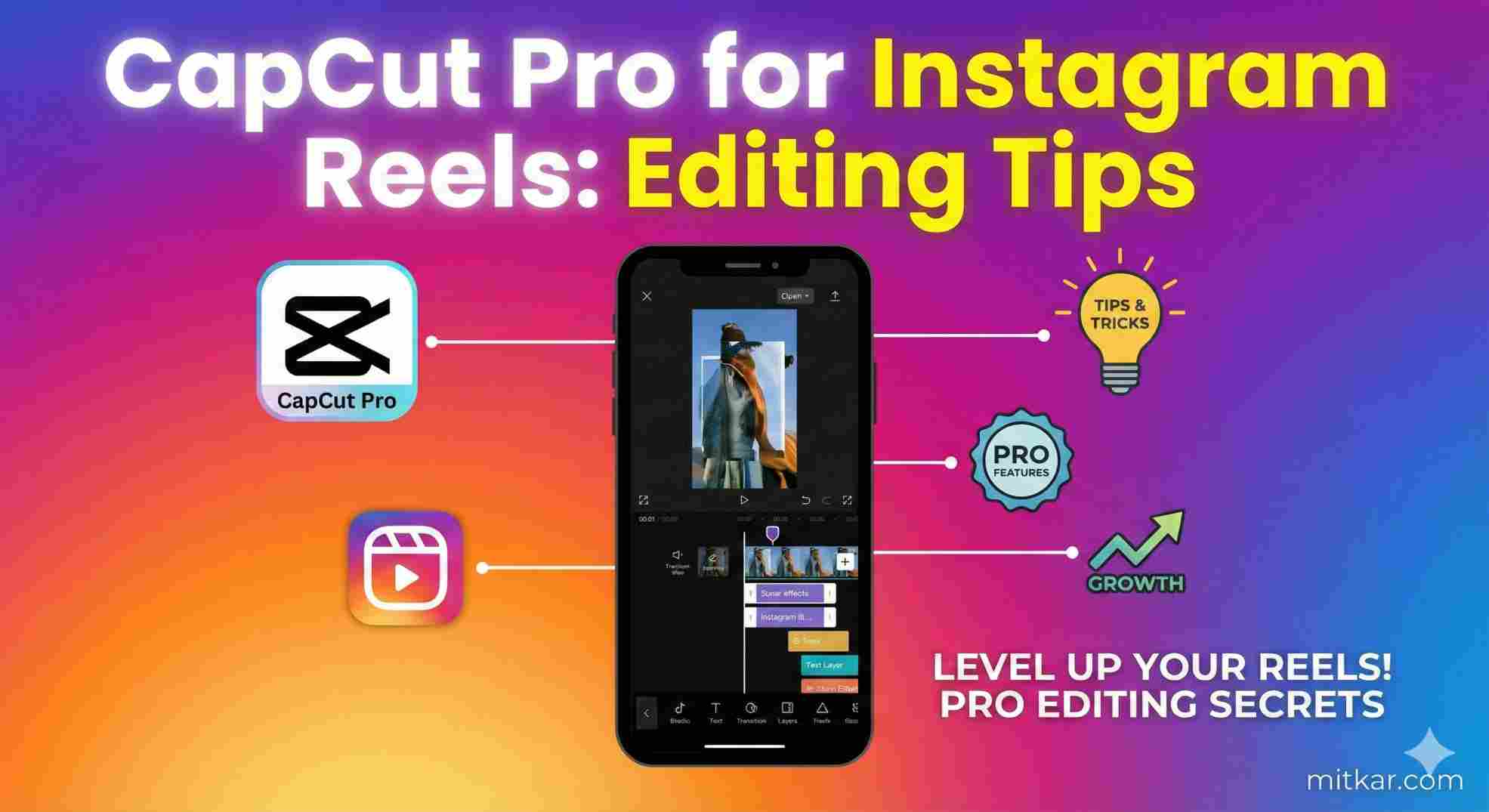
Table of Contents
Instagram Reels are fundamentally different from YouTube videos or traditional cinematic projects. The Meta algorithm is explicitly designed around two hyper-sensitive metrics: Total Watch Time, and Share Velocity. If you are editing your Reels exactly the same way you edit standard videos, you are actively sabotaging your organic reach.
This intensive mastery guide provided by MitKar.com breaks down exactly how to mathematically optimize your CapCut Pro editing workflow to dominate the Instagram Reels algorithm in 2026. We cover everything from constructing the perfect 1.5-second visual hook, to manipulating high-end CapCut Transitions, to the precise export settings required to bypass Instagram's aggressive video compression matrix.
PRO TIP: If you are planning on applying intensive cinematic effects, you can massively speed up your workflow by implementing CapCut AI Tools like the Background Remover to automate your masking before you apply these Instagram-specific tips.
1. Engineering the Perfect Viral Hook
The "Hook" is the first 1.8 seconds of your Reel. If a user swipes away before 2 seconds, the Instagram algorithm instantly penalizes your video's relevancy score. Your opening frame cannot be a static, boring shot. You must forcibly command attention using CapCut Pro tools.
- The Kinetic Zoom: Apply a sharp, 1-second keyframe zoom immediately as the video starts. Small, unnoticeable movement creates a psychological urge to keep watching.
- Audio Spiking: Do not start your audio with dead air. Pull your waveform tightly so the very first frame of the video hits exactly on the first syllable of your speech or the heavy bass drop of your music track.
- 3D Title Injection: Utilize CapCut's dynamic 3D text overlays to state your video's premise explicitly within the first half-second. "Stop Making This Mistake" or "The Secret To..." must be visible instantly.
2. The "Pattern Interrupt" Editing Protocol
Humans suffer from rapid visual fatigue when scrolling through vertical video feeds. If you maintain the exact same camera angle for more than 4 seconds, the user will swipe. You must implement a strategy called "Pattern Interrupts" directly on the CapCut timeline.
To execute this, use the Split tool (Ctrl+B on desktop, Split tap on mobile) every single time you take a breath in your audio. Even if you are shooting from a single camera, punch in 115% on the second clip, and punch out to 100% on the third. Combine this with microscopic sound effects (Whooshes and Pop noises) dragged in from the CapCut library. This constant micro-shifting tricks the brain into perceiving a highly dynamic production.
3. Bypassing Instagram Compression: The Export Secret
Nothing murders a viral reel faster than horrific blocky pixelation. Instagram uses extremely aggressive server-side compression algorithms that destroy natively shot 4K footage. To bypass this, your CapCut export settings must perfectly align with Instagram's specific hardware decoder limits.
Frequently Asked Questions (FAQ)
Final Strategic Conclusion
Publishing high-quality Instagram Reels requires treating CapCut not just as an editing device, but as a psychological manipulation tool. By rigorously enforcing pattern interrupts, implementing sharp kinetic zooms within your first 2 seconds, and strictly adhering to our native 1080p High-Bitrate export guidelines, your profile will immediately flag as premium in the Meta servers.
Always remain consistently analyzing your analytics. If your retention drops sharply within the first 3 seconds, it means your editing hooks simply weren't aggressive enough. Utilize the complex CapCut Pro tools we've outlined above and begin scaling your social reach instantly.