
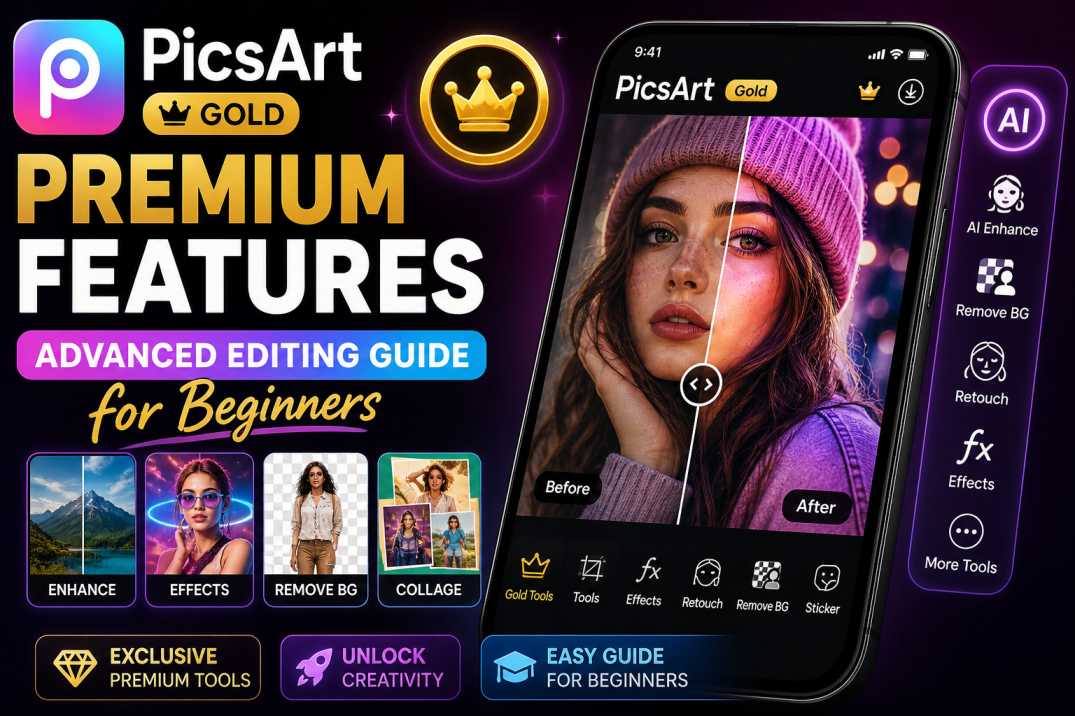
Are you new to the world of mobile editing and feeling overwhelmed by the endless menus? Our PicsArt Gold Premium Features Guide is designed specifically to turn any beginner into a confident, professional creator. With the Gold update, you get a complete creative studio in your pocket.
This Advanced Editing Guide for Beginners covers everything from basic layer management to harnessing the power of automated AI tools found in the latest 2026 builds.
1. PicsArt Gold Premium Features — Overview
The premium features in PicsArt Gold are what separate a simple snapshot from a viral image. By using the PicsArt Gold Premium Update, you immediately remove all disruptive ads and unlock the "Crown" assets—thousands of fonts, stickers, and frames previously unavailable to standard users.
2. Top 5 Features Every Beginner Needs
If you are just starting out, focus your attention on these five core premium tools:
Ad-Free UI
Edit without sudden interruptions. A clean interface allows you to focus purely on your creative workflow.
Premium Fonts
Access to over 500+ cinematic and professional typefaces that elevate your thumbnails and posters instantly.
Exclusive Stickers
Search for 'Gold' in the sticker menu to find high-res, beautifully masked PNGs for your composites.
3. Master the AI Enhance Tool
Always start your editing process by using the AI Enhance tool found in the Tools menu. This feature uses deep learning to fix blurry photos, correct lighting, and upscale resolution with a single tap. It provides a flawless base for any further edits.
4. Utilizing Premium Fonts and Stickers
Text is crucial for social media. When using the text tool, look for fonts with the tiny gold crown next to them. Combine these with premium shadow settings and curved text options to create striking visuals that stand out on crowded feeds.
5. Professional Workflow Tips
- Use Layers: Never edit directly on the base photo. Add an empty layer for drawings or adjustments so you can change the opacity later.
- Save Custom Stickers: Created a perfect cutout? Save it to your private sticker collection for quick use in future projects.
- Check Stability: If you are doing complex layer work, ensure you are using a stable build. Read our Official Stability Review for recommendations.
6. Video Editing with Gold Access
PicsArt isn't just for photos anymore. The Gold access unlocks premium video transitions, advanced color grading LUTs for video clips, and the ability to export in 4K resolution without any watermarks. It is perfect for short-form Reels and TikToks.
7. Step-by-Step Edit Tutorial
Here is a quick 3-step process for an eye-catching edit:
- Import your photo and run the AI Enhance tool.
- Use the AI Background Remover to isolate your subject, then add a vibrant, premium gradient background from the Gold library.
- Apply the 'Film2' premium filter at 60% opacity to give it a cinematic, cohesive look.
8. How to Unlock These Features
To access the complete suite of premium tools, you need the right version installed on your device.
9. Frequently Asked Questions
10. Final Verdict
Investing time to learn the PicsArt Gold Premium Features will dramatically elevate the quality of your digital content. By understanding how to leverage AI tools and premium assets, even a beginner can produce professional-grade photos and videos directly from their smartphone in 2026.