
MitKar – Best CapCut Transitions & Effects 2026 (April Update)
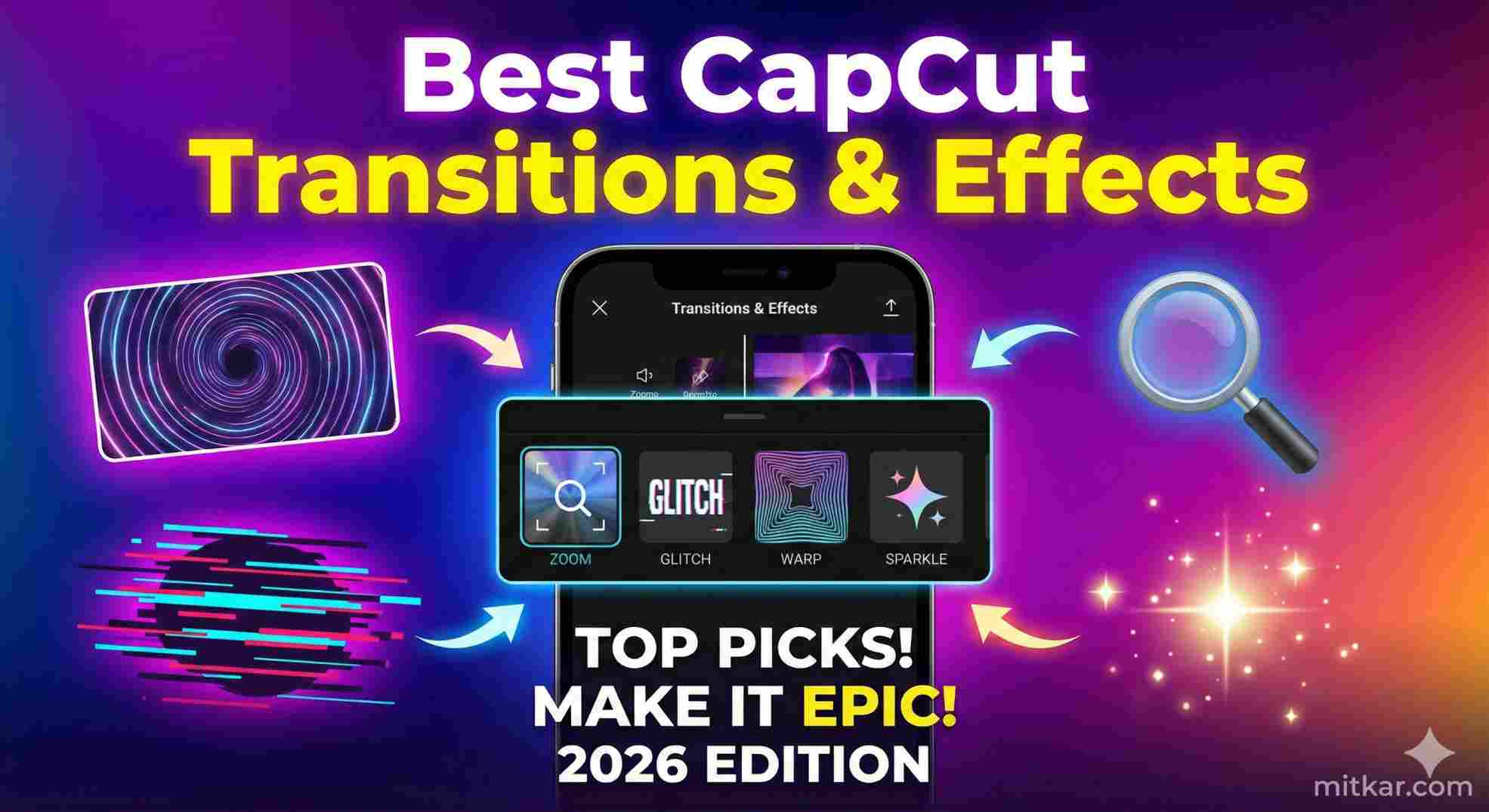
Table of Contents
The stark difference between a standard unedited video clip and a million-view viral phenomenon on TikTok or Instagram Reels is directly rooted in the psychological handling of video pacing. If your cut lacks kinetic momentum, the algorithmic retention metric craters immediately. Mastering advanced CapCut Transitions and stacking highly cinematic visual effects is non-negotiable for modern creators in 2026.
At MitKar.com, we do not settle for standard cross-dissovles. We are explicitly breaking down the engineering architecture behind the absolute best premium CapCut Effects and smooth transition mechanics so you can apply them to your workflow perfectly.
PRO TIP: A heavy timeline filled with intensive 4K transitions will often cause a dreaded memory error. Make sure you read our critical diagnostic guide to easily Fix Extreme CapCut Error 4114 / 30007 to prevent data corruption.
1. The Golden Rule of Smooth Transitions
Amateurs rely on visually loud and obnoxious 'Star' wipes that shatter the immersion of the video. Professional CapCut Transitions inherently prioritize 'invisible cuts.' The objective is to calculate the optical motion path of the first clip and aggressively match that physical trajectory in the second clip.
- The Whip Pan: Mathematically sync the internal "Camera Blur Right" transition exactly at the seam where the camera is physically swinging to the right in the source clip. It masks the cut invisibly.
- Masking Transitions: Instead of a software cut, utilize CapCut's Native Pen Mask tool. Frame-by-frame, cut out a physical object (like a passing car) wiping across the lens to organically reveal clip B underneath.
- The J-Cut Protocol: Do not cut audio and video on the exact same frame. Pull the audio of Clip B one second backward *under* Clip A to psychologically predict the visual cut.
2. Top Viral CapCut Effects for 2026
Deploying a single isolated visual filter will often look completely artificial. The most dominant CapCut Pro editors actively stack multiple transparent effect layers on top of each other utilizing specific blending modes (like Screen or Overlay).
A. Extreme Optical Glow (Dream State)
By deploying the 'Edge Glow' filter structurally over your main footage, and then reducing its alpha opacity to 25%, you drastically elevate the cinematic aesthetic of your lighting. By blending this with a heavy 'Halation' pass, shadows remain dark while highlights perfectly bleed out, mimicking highly expensive anamorphic camera hardware.
B. The Aggressive "Cyber Snare" Flash
When aligning your footage to trending fast-paced audio, do not manually cut. You must drop the 'White Flash' or 'Chromatic Aberration' CapCut Effects strictly over the snare-drum hits. Limit the duration of these flashes to precisely 2-frames maximum. This executes a massive subliminal kinetic impact without blinding the mobile consumer.
3. Step-by-Step: The "Sky Replacement" Matrix
If you want to immediately showcase high-production value, you can flawlessly alter the environment weather algorithmically by utilizing advanced rendering paths in CapCut.
Frequently Asked Questions (FAQ)
Final Strategic Conclusion
Do not rely on software defaults. Truly exceptional, viral editors take raw, fundamental CapCut Transitions and inject extreme modifications utilizing masks, nested keyframes, and custom audio J-cuts to completely disguise the software seams. When implemented correctly, these CapCut effects trick the human eye directly into looping the content indefinitely, rocketing your analytics aggressively up the algorithm logic ladder.
Always stack effects, manage your global color grading nodes, and consistently review MitKar's engineering guides to ensure you are operating at peak efficiency. Start experimenting today with the techniques provided above, and watch your timeline entirely transform.